Smart Card Workspace
Add music, navigation, weather, quick tools, app containers, TPMS, seat memory, HUD mode, and more as swipeable desktop cards.
A customizable in-car launcher for Lynk & Co OSN, Geely NOS, and selected Galaxy / Boyue portrait systems. Keep maps, music, AC, apps, cards, and vehicle tools where drivers can actually use them.
Features
The English site covers the same core experience as the Chinese site, including the Dock, cards, floating map, Scene Assistant, HUD, dashboard, AC, and permissions.
Add music, navigation, weather, quick tools, app containers, TPMS, seat memory, HUD mode, and more as swipeable desktop cards.
Keep navigation visible while music, TPMS, driving mode, or quick panels stay within reach on the side.
Centralize AC, seats, trunk, driving mode, and model-specific vehicle controls when your vehicle interface supports them.
Use Dock power, S/L/R temperature modes, fan speed, circulation, defrost, seat heating, ventilation, massage, fragrance, and more.
Control playback, switch music sources, show floating lyrics, and open the current music app from the home Dock.
Tune status bar items, card sizes, Dock layout, wallpaper, marquee text, theme colors, startup behavior, and backups.
Configure gear sounds, door sounds, auto comfort actions, HUD settings, and dashboard behavior in one assistant area.
After leaving the home screen, a compact floating Dock can handle home, back, multitasking, Mini AC, notifications, and quick apps.
Screenshots
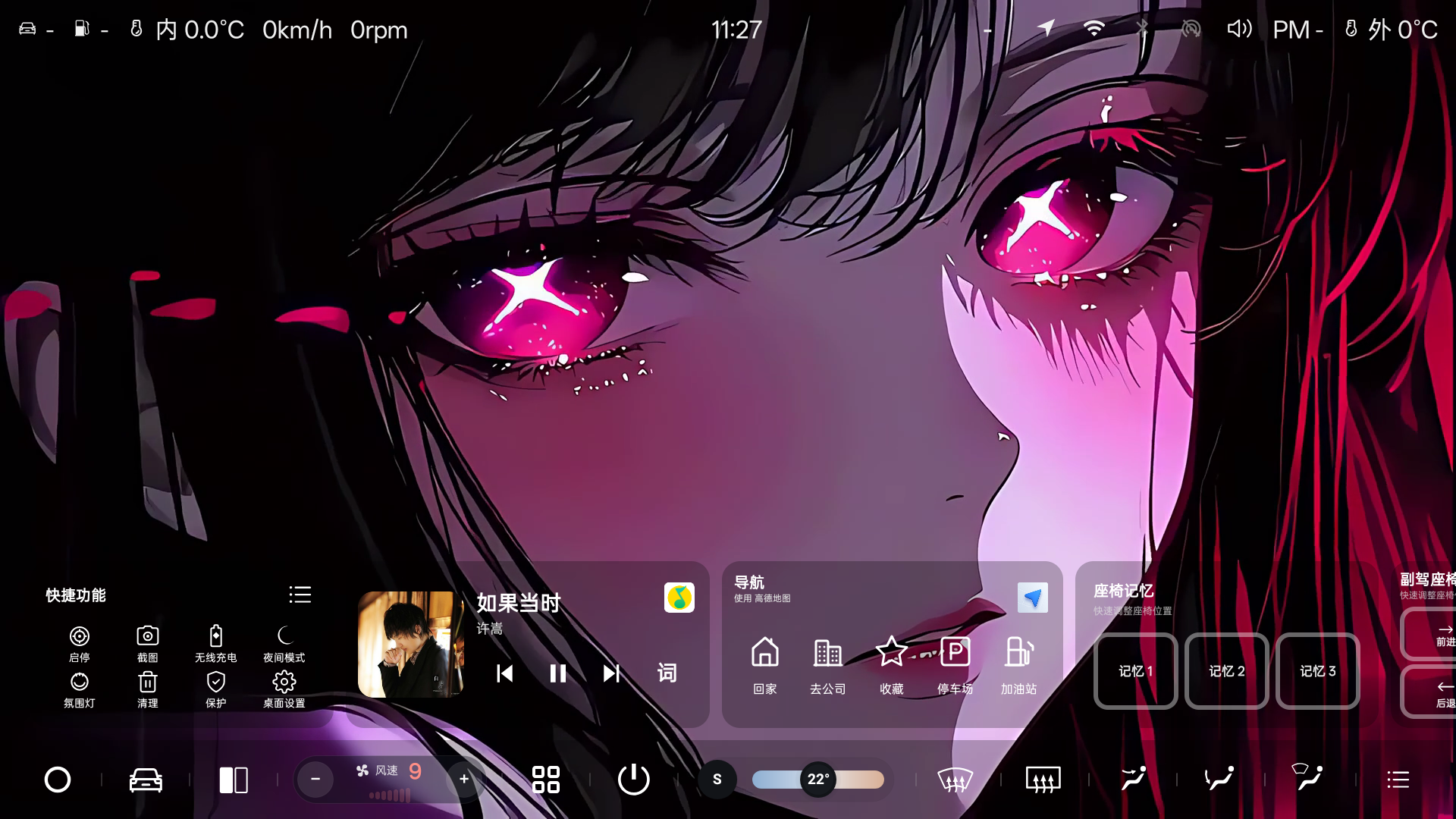
Status bar, card area, right-side clock or map, and Home Dock in one landscape workspace.
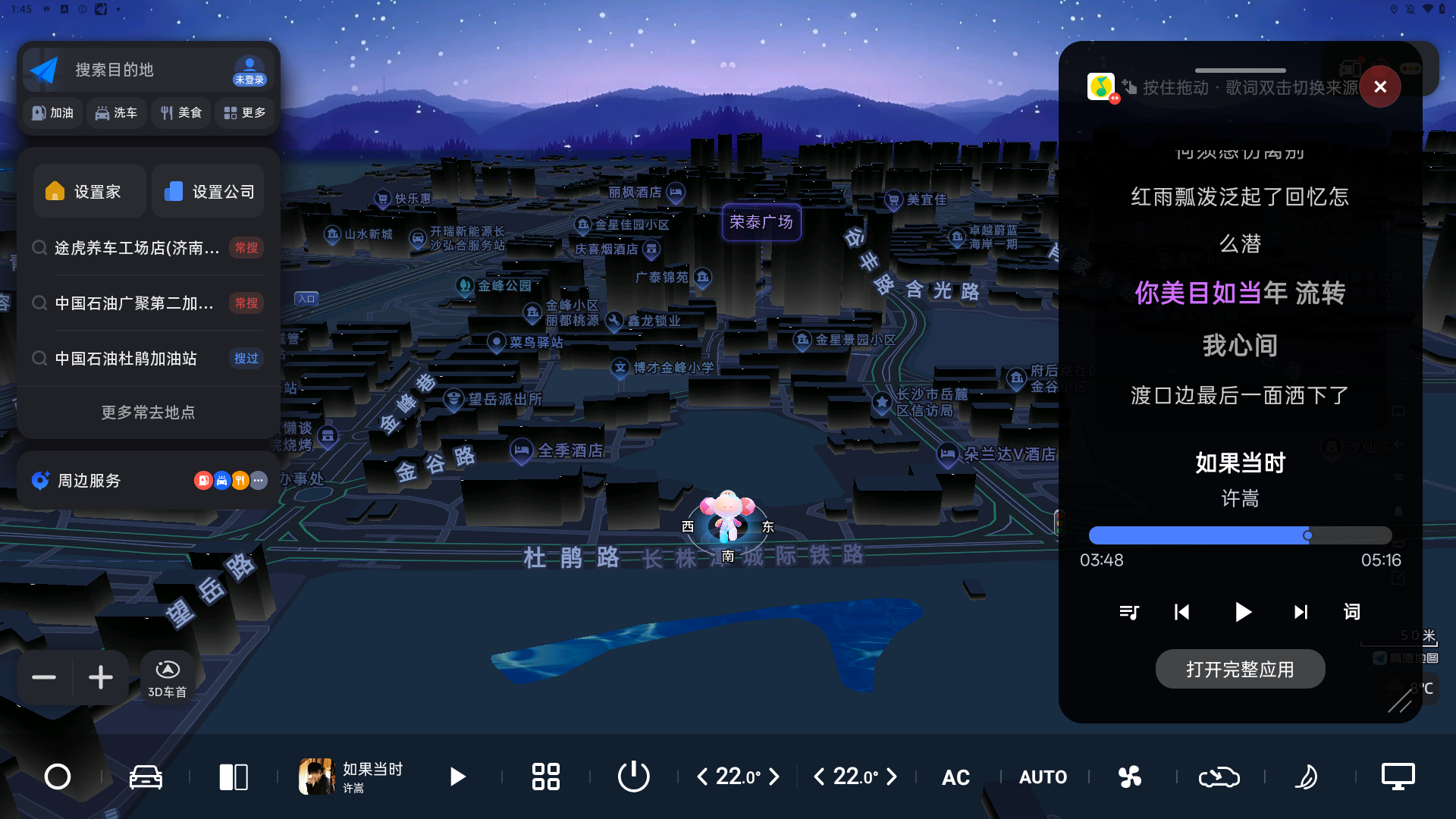
Navigation stays on the left while music and vehicle panels remain easy to reach.
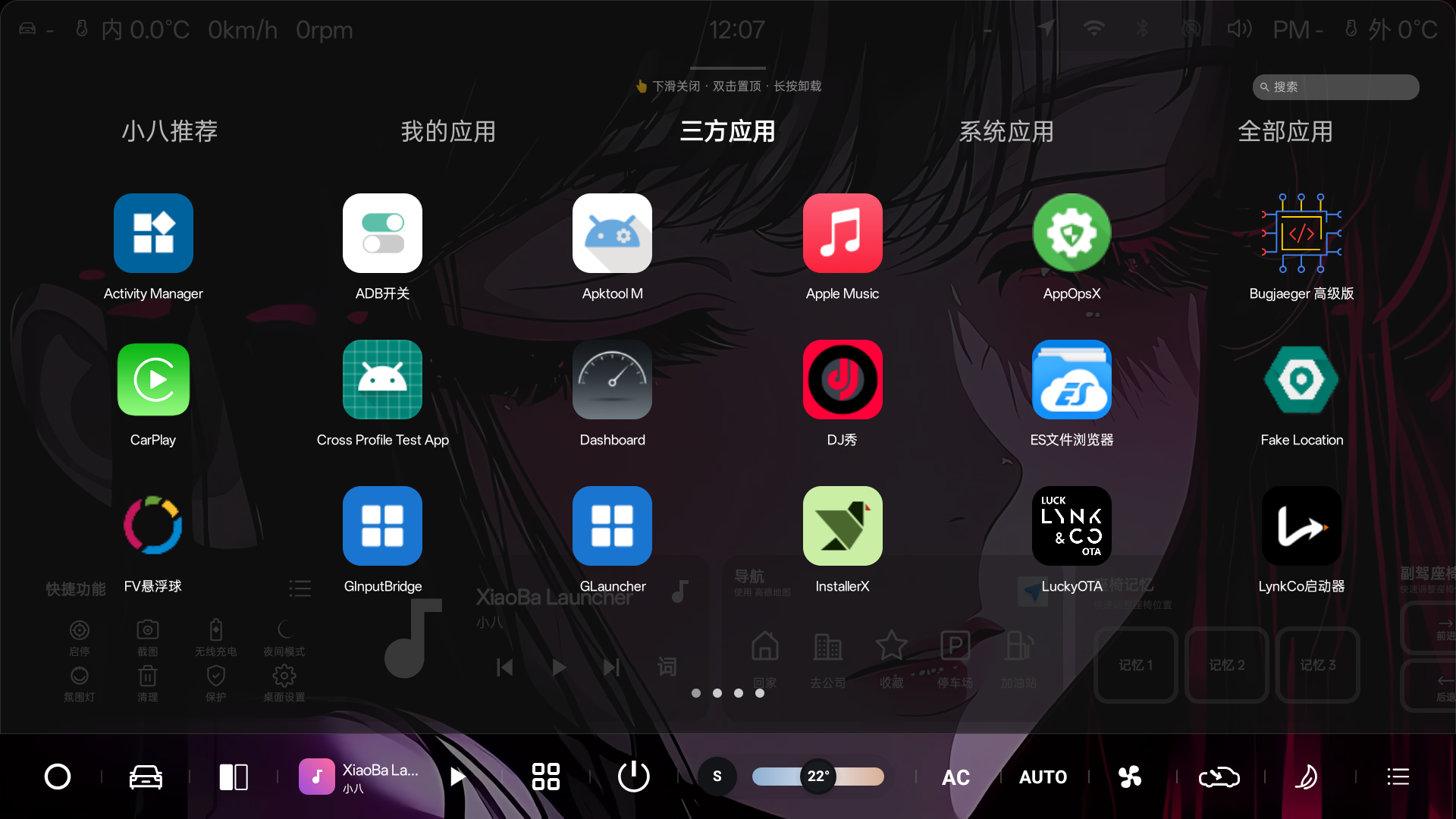
Find local apps, system apps, recommended apps, and app categories from one drawer.
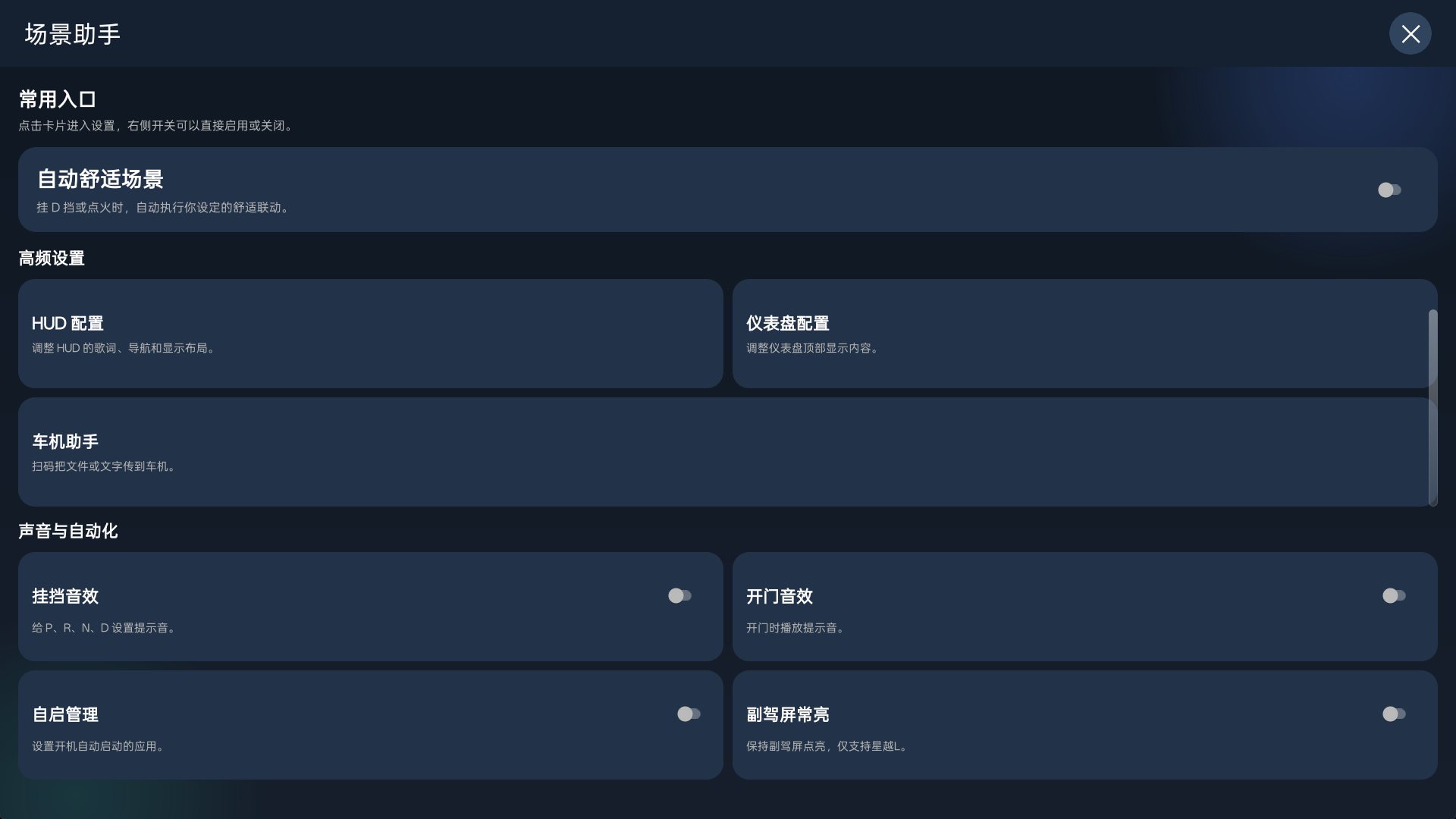
Open gear sound, door sound, auto comfort, HUD, and dashboard settings from the assistant.
Supported Vehicles
V2.6.5 focuses on HUD quick switching, four HUD modes, richer information after hiding the car model, Dock and card size upgrades, welcome page DIY, wallpaper and music linkage, and stability fixes.
XiaoBa Series
A companion launcher for quickly returning to the desktop and handling system package visibility limits.
Vehicle control companion for steering wheel actions, dashboard media sync, and deeper car-side controls.
A car-friendly app store for installing and updating third-party apps more easily.
A Windows helper for installing APK packages after ADB is enabled on the head unit.
Latest Notes
For detailed install steps, feature instructions, and troubleshooting, use the English pages in the navigation or switch back to the Chinese original when you need the source screenshots.
Pricing
¥9.99
Low entry point for trying all XiaoBa Launcher features.
¥79.99
Recommended for regular use, with a balanced yearly price.
¥199.99
One-time purchase for long-term use without recurring renewal.
¥299.99
One-on-one setup help for installation, first configuration, and key troubleshooting.